Self-order kiosks and kiosk tills: when they pay for themselves
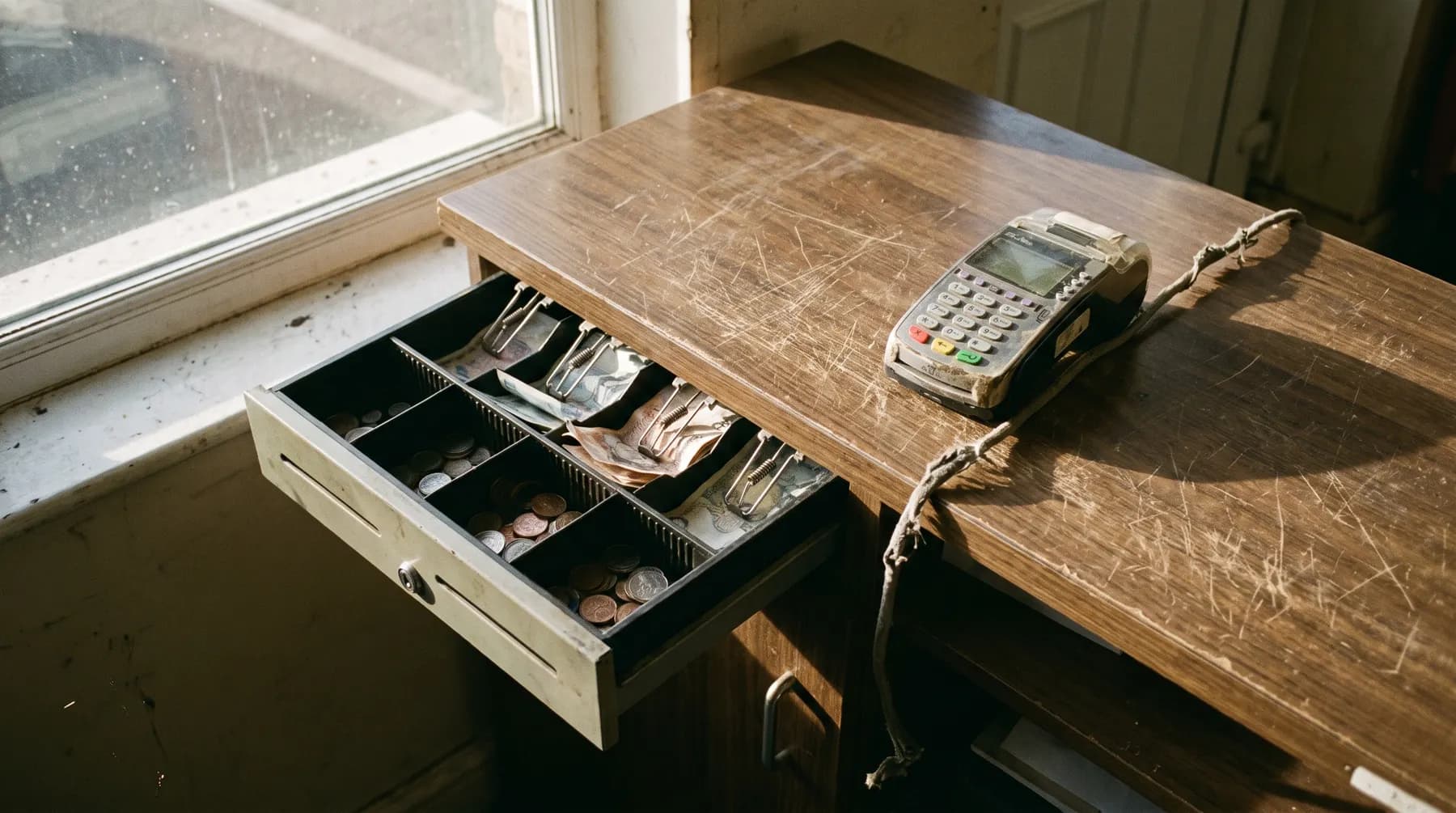
The first thing worth saying about self-order kiosks is that plenty of businesses should not buy one. A kiosk earns its place in a specific set of conditions, and outside them it is an expensive screen that customers walk past on their way to the counter.
Here is how to tell which side of the line you are on, what a kiosk till actually is, and what it changes when it works.
What a kiosk till is
A kiosk till is a self-service screen a customer orders from themselves. They choose, they customise, they pay by card, and the order goes to the kitchen in the same queue as everything else. The till part matters: a kiosk that cannot see the same menu and the same stock as the counter is a second system to keep in step, and keeping two menus in step by hand is how a Friday goes wrong.
In practice it sits alongside a countertop POS terminal rather than replacing it. Staff still need somewhere to ring through a phone order, refund something, or take a payment for a customer who will not use a screen.
When a kiosk is worth it
- When the queue is the constraint. If people leave because the line is six deep at half seven, a kiosk adds a till without adding a member of staff, and it keeps serving while the counter deals with a complicated order.
- When the menu is wide. Build-your-own, toppings, sizes, swaps, meal deals. Customers take their time on a screen in a way they never do with somebody waiting, and they add more as they go because nobody is watching them do it.
- When the counter is also the kitchen. One person cooking and serving loses the thread every time they stop to take an order. Taking order entry off them is worth more than the hardware costs.
When it is not
- When your orders are mostly delivery or phone. A kiosk does nothing for an order placed at home. Your money is better spent on the ordering site.
- When the menu is short and the queue moves. A chippy with twelve items and two staff does not have a bottleneck a screen can fix.
- When your customers would hate it. Some rooms are built on being greeted by a person. A kiosk in that room reads as cost-cutting, and the customer is not wrong.
- When there is nowhere sensible to put it. A kiosk needs a metre of floor the queue can form around without blocking the door, power, and a network connection that does not drop.
What it costs
There are two separate numbers and they get muddled constantly. The hardware is a screen, a stand or wall mount, a card reader and usually a printer; it is a known, visible cost you can buy from several suppliers. The software is what decides whether the thing is useful, and that is where an off-the-shelf package and a custom build part company.
We quote the software side fixed, in writing, within 48 hours of understanding what you need. What we will not do is quote a kiosk before asking what your busiest hour looks like, because that hour is the only thing that decides whether it pays for itself. If most of your trade is delivery, say so and we will tell you to spend the money on your own ordering platform instead.
The part most people get wrong
A kiosk is not a replacement for staff. It is a second pair of hands at the point where orders enter the system, and it only helps if everything downstream of it already works: the kitchen sees the ticket, the stock count drops, the end-of-day report reconciles, and somebody can override it when a customer wants something that is not on the screen.
That is why we build kiosks as part of a custom EPOS and till setup rather than as a standalone box. One menu, one stock count, one report at close, whether the order came from the counter, the kiosk, the website or the phone.