Custom EPOS or an off-the-shelf till: how to decide
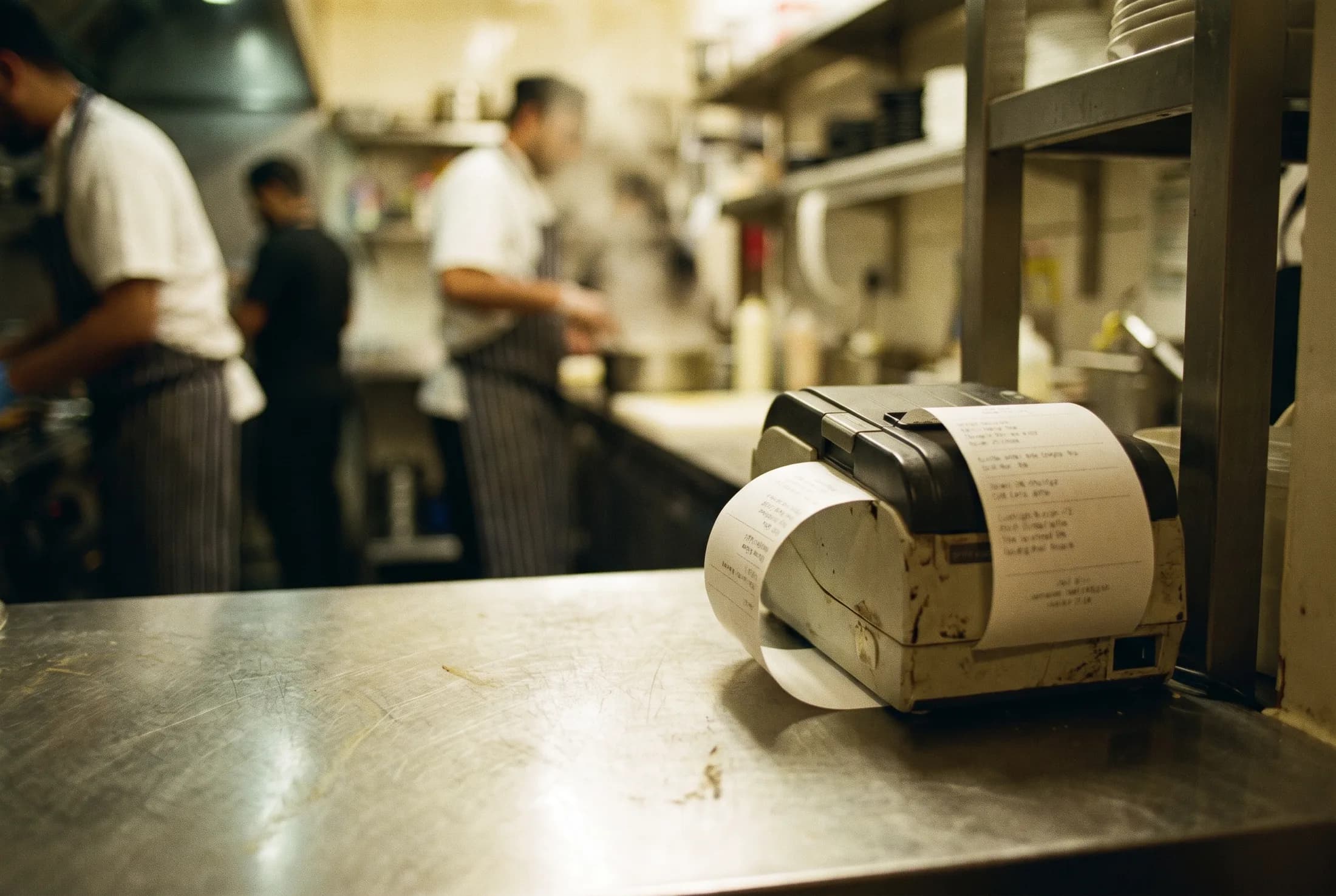
Off-the-shelf tills are good. That is the honest starting point, and it is the opposite of what most people selling custom software will tell you. If your business works the way the software expects, a packaged EPOS system will be cheaper, faster to set up and perfectly adequate for years.
The question is what happens at the edges, because that is where the cost actually sits.
What off-the-shelf is genuinely good at
Taking a payment, printing a receipt, counting what sold, closing the day. A mature packaged till does all of that well, with hardware you can replace on a Saturday and support you can ring. For a single site with a straightforward menu and no unusual rules, that is the whole job, and paying for anything else is paying for nothing.
Where it starts costing you
- When your pricing is not their pricing. Trade accounts, half-and-half, a price that changes after six, a deal that is two for one on Tuesdays but not on the lunch menu. Every rule the software cannot express becomes a staff instruction, and every staff instruction becomes a mistake on a busy night.
- When it cannot see the rest of the business. The till knows what sold. The website knows what was ordered. The spreadsheet knows what was bought in. If nothing joins them, somebody re-keys, and the numbers disagree at the end of the month.
- When the integration is a monthly fee. Packaged systems often sell the connection to your ordering site, your accounts or your loyalty scheme as an add-on, per site, per month, forever. Three add-ons on two sites is a bill that quietly overtakes the cost of building the thing properly.
- When you want your data out. Ask early what happens to your sales history, your customer list and your menu if you leave. The answer tells you how much of the system you actually own.
What custom actually means
Not a till built from nothing. It means the parts that are standard stay standard, and the parts that are yours are built to be yours: your pricing rules, your menu structure, your kitchen flow, your reports, and one record of a sale wherever it came from.
In practice that usually means a countertop POS terminal at the counter, a kiosk till where the queue justifies one, and your own ordering site online, all working from one menu and one stock count, with the end-of-day report reconciling across all three.
How to decide, honestly
Write down the three things your current till cannot do that cost you time every week. If they are all cosmetic, buy a packaged system and spend the money elsewhere. If one of them is a rule your business runs on, or a number you cannot get out without typing it twice, the cost of working around it is already being paid, just not on an invoice.
Then price both. We quote fixed, in writing, within 48 hours, and we will tell you when an off-the-shelf till is the right answer, because a system you did not need is a bad reference. If you want the comparison in your own numbers first, the commission calculator is a reasonable place to start, since for most takeaways the delivery apps cost more than the till ever will.
The full picture of what we build is on the EPOS, till and kiosk page.